San Antonio · Texas
What Happens If You Don't Change Your Router's Default Admin Password?
★★★★★ 5-Star Rated · Trusted in Bexar County
BBB Torch Award 2020
Licensed & Insured
In-House Team
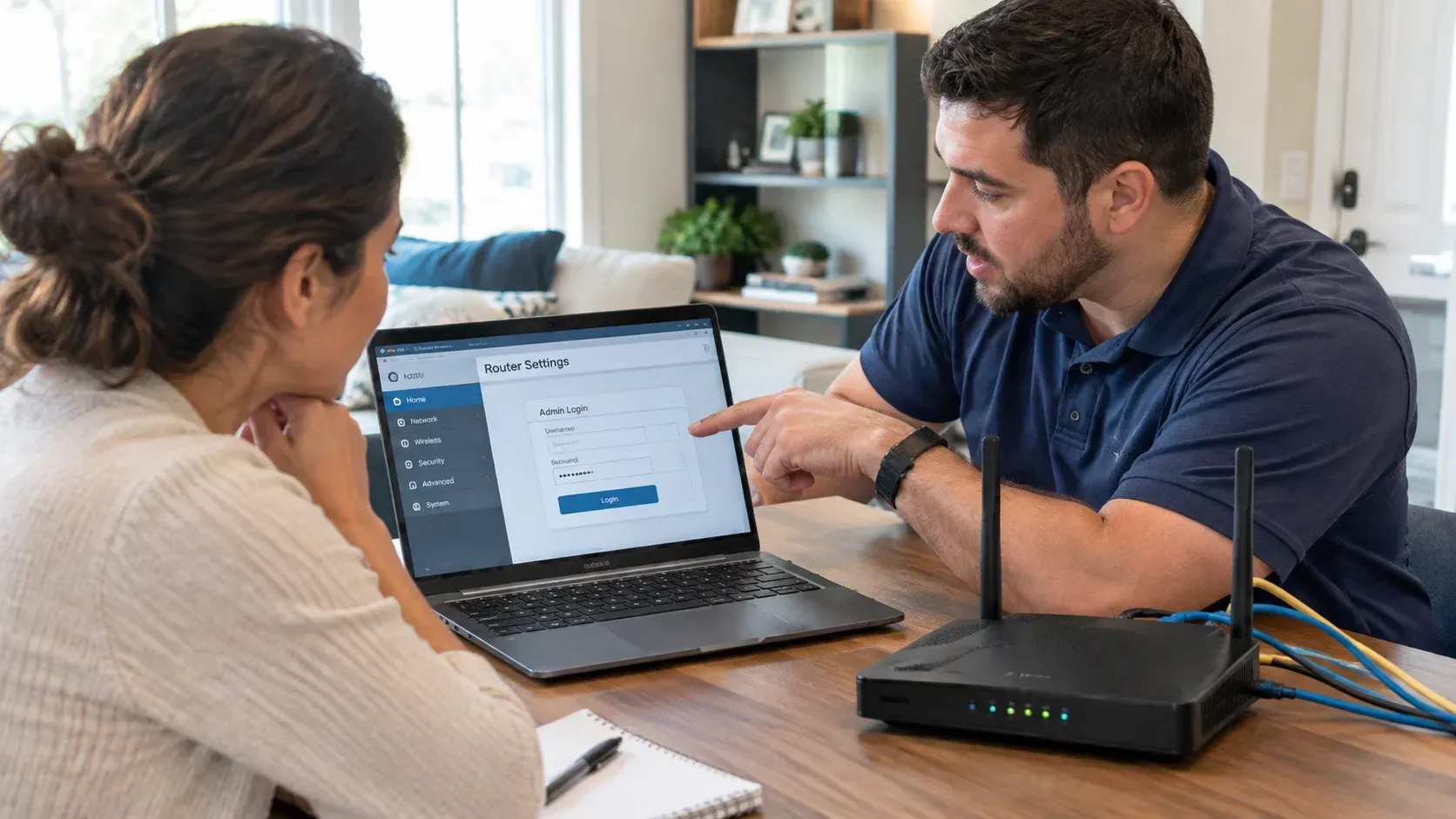
Table of Contents
- Introduction
- What the Default Router Password Risk Actually Looks Like
- Is It Safe to Keep the Default WiFi Password Too?
- How Someone Gets In Without Setting Foot in Your House
- Change Your Router Admin Password First, Then These
- Why Router Security Risk Grows Once Cameras Are on the Network
- Conclusion
- Ask About a Secure Network Setup
- Frequently Asked Questions
Key Takeaways
- Default admin credentials for most router brands are published openly, so leaving one unchanged is closer to an unlocked door than a weak lock.
- The admin password protects the router's settings. The WiFi password protects the connection. Changing one does nothing for the other.
- Someone with admin access can redirect your traffic, see every connected device, and open the network from outside.
- The highest-risk setup is remote management left on with a default password, because that one is reachable from anywhere.
- Cameras, doorbells, and smart locks sit on the same network, which is what turns a router problem into a security problem.
Introduction
Leaving a router's default admin password unchanged lets anyone on the network, or within WiFi range, log into its settings, since default credentials for most brands are published online. From there someone can redirect your traffic, see every connected device, or open the network to outside access. The router is the front door of the house, and the key is printed in the manual.
Most people never open those settings after setup, which is exactly why the password survives untouched for years. The default router password risk is not that someone cracks it. It is that nobody has to.
What the Default Router Password Risk Actually Looks Like
Nothing, right up until it matters. That is the awkward part of this topic.
An unchanged admin password does not slow your internet or set off an alert. It sits there as an open option. What it allows, if someone takes it:
- DNS redirection. Change where your router sends lookups and every device on the network can be pointed at a fake site without a single device being touched.
- A full device inventory. The admin panel lists everything connected, with names. Phones, laptops, cameras, the thermostat.
- New access. Port forwarding rules, a VPN endpoint, or remote management can be turned on, which keeps the door open after the visitor leaves.
- Firmware changes. Settings get rewritten and the router stops behaving the way you think it does.
- You, locked out. The password gets changed to something that is no longer in the manual.
None of this is exotic. It is all in the standard admin interface, and it is why the default credential matters more than the strength of your WiFi passphrase.
Is It Safe to Keep the Default WiFi Password Too?
Better than nothing, but it is the wrong password to worry about first. The sticker passphrase is printed on the router and often follows a predictable pattern, so it is worth changing. It just protects something different, and that difference is where most of the exposure comes from.
| Admin password | WiFi password | WPS PIN | |
|---|---|---|---|
| What it protects | The router's settings panel | Joining the network | A shortcut for joining |
| Where you enter it | A browser, at the router's address | Your device's WiFi list | A button or an 8-digit code |
| Default state | Often a published brand default | Often a sticker on the router | Often enabled by default |
| If left at default | Settings are open to anyone in range | Passphrase is findable on the device | Known weak point in the protocol |
| Changing it | Locks the control panel | Locks the connection | Usually best turned off entirely |
People who set a long, random WiFi passphrase and stop there often still have admin wide open. The passphrase keeps strangers off the network. The admin password keeps the people already on it, invited or not, out of the controls.
Worth knowing: changing the WiFi passphrase kicks every device off until you reconnect them. Changing the admin password does not disturb anything. That makes the admin password the easiest meaningful security change in the house.
How Someone Gets In Without Setting Foot in Your House
Three routes, in rough order of how often they turn up.
From inside the network. A guest, a contractor, a neighbor you gave the passphrase to two years ago, or anything connected that should not be. Once on the network, the admin panel is one browser tab away.
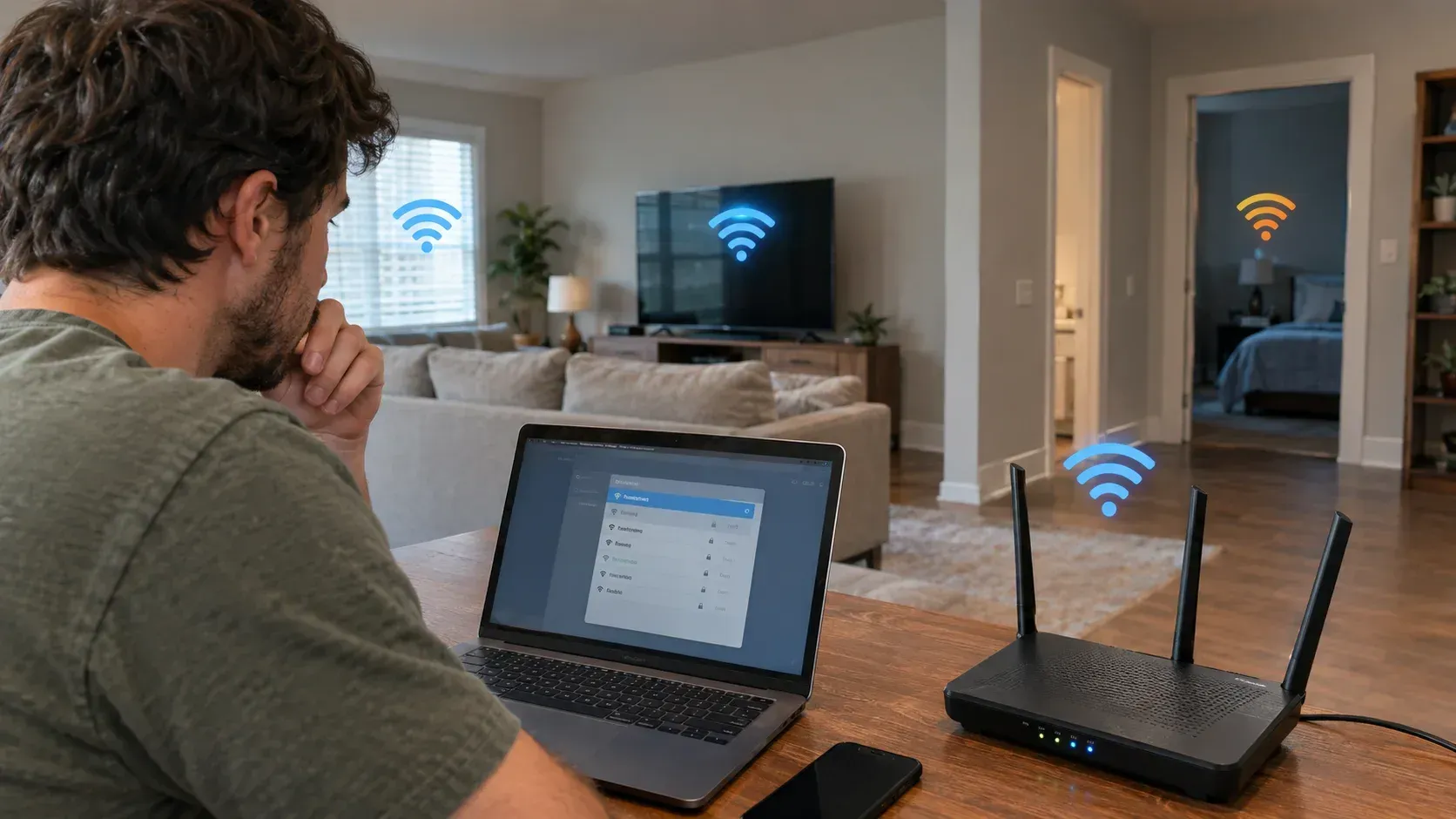
From WiFi range. The signal does not stop at your property line. Anyone in range who gets onto the network is inside the first perimeter.
From the internet. This is the serious one. If remote management, remote admin, or cloud access is enabled, the login page is reachable from anywhere, and automated scanning finds those pages constantly. A default password on a remotely reachable router is a different category of risk from a default password on a local-only one.
That last route is worth checking tonight rather than this weekend. It is usually a single toggle labeled remote management, remote access, or something similar, and on most home networks it should be off.
Change Your Router Admin Password First, Then These
If you do only the first three, you have fixed most of it.
- Change the admin password. Not the WiFi passphrase, the one that opens the settings page. Make it unique and store it somewhere you will find it in two years.
- Turn off remote management unless you have a specific reason to keep it.
- Update the firmware, then turn on automatic updates if the router supports them.
- Disable WPS. The convenience is small and the weakness is well documented.
- Use WPA3 if available, WPA2 otherwise, and retire anything older.
- Change the default network name if it still announces the brand and model, since that tells anyone looking which default credentials to try.
- Put guests on a guest network, so the people you hand the passphrase to are not on the same segment as your cameras.
- Review the connected device list. Anything you cannot identify deserves a second look.
One honest caveat: if your router came from your internet provider and is in a managed mode, some of these settings may be locked or may reset when the provider pushes a configuration. Worth knowing before you spend an evening on it.
If any of that reads as a chore, it is the sort of thing a network setup and configuration visit handles in one pass, along with the routers and network equipment that make the rest of it easier to maintain.
Why Router Security Risk Grows Once Cameras Are on the Network
A compromised router used to mean slow internet and a spam problem. Now it sits upstream of the devices people actually care about.
Wireless cameras, video doorbells, smart locks, and alarm panels all route through the same equipment. Someone with admin access to the router does not need to break any of those devices individually. They can see which ones exist, learn when they drop offline, and change the path their traffic takes.
This is also where coverage and security stop being separate topics. A camera that keeps dropping is a network problem with a security consequence, which is the same reason a weak signal in one room is worth fixing rather than tolerating. The devices are only as reliable as what they connect through.
Conclusion
The default admin password is the rare security problem with a five-minute fix and no downside. Change it, switch off remote management, update the firmware, and the most common way into a home network closes. Everything after that is refinement. The reason this one stays open on so many networks is not difficulty. It is that the settings page is somewhere nobody looks twice.
Ask About a Secure Network Setup
If you are not sure what your router's settings currently look like, or you inherited the equipment with the house, we can go through it with you. APEX handles network configuration in-house and offers complimentary consultations.
Have your network setup reviewed or call (210) 301-0032, and mention what equipment you are running.
Frequently Asked Questions
Is it safe to keep the default WiFi password?
The sticker passphrase is better than nothing but is printed on the router and often follows a predictable pattern. Change it, and change the admin password separately, since the two protect different things. The admin one is the more urgent of the pair.
What is the difference between the admin password and the WiFi password?
The WiFi password lets a device join the network. The admin password opens the router's settings, where DNS, port forwarding, and remote access live. Changing the WiFi passphrase leaves the settings panel exactly as exposed as it was.
How do I change my router's admin password?
Open the router's address in a browser, log in with the current credentials, and look for administration, system, or security settings. The address and default login are usually printed on the router. If it is a provider-supplied unit, some settings may be managed remotely.
Can someone access my router from outside my home?
Only if remote management or remote admin access is enabled. With that on and a default password in place, the login page is reachable from anywhere and gets scanned automatically. Turning remote management off closes that route for most households.
Does a default router password affect my security cameras?
Indirectly, yes. Cameras, doorbells, and locks run through the same router, so admin access exposes which devices exist and how their traffic is routed. Securing the router is the step underneath securing any connected device.
Related Posts