San Antonio · Texas
How Does Smart Home Security Work for Homes?
★★★★★ 5-Star Rated · Trusted in Bexar County
BBB Torch Award 2020
Licensed & Insured
In-House Team
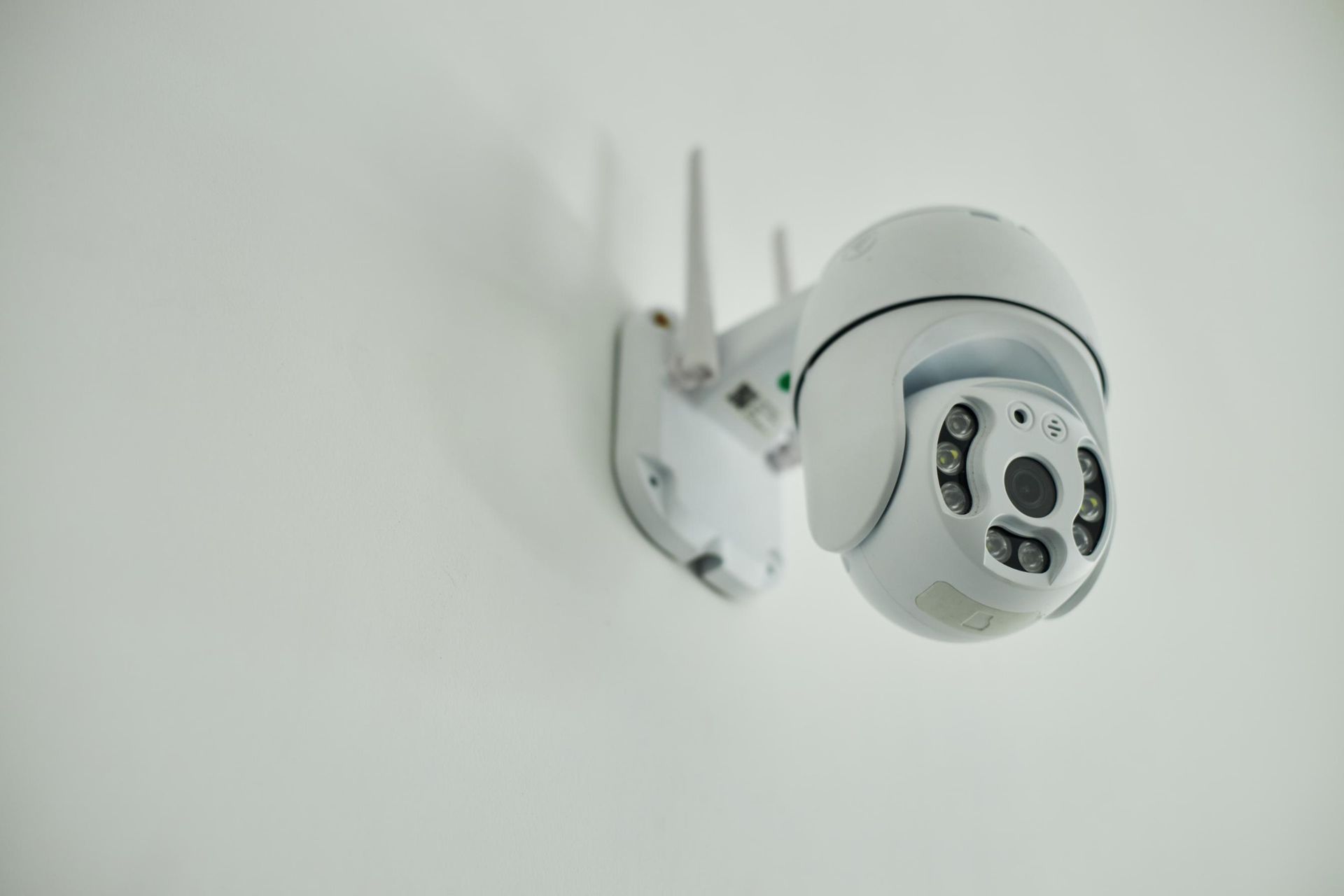
Table of Contents
- Introduction
- What Is Smart Home Security?
- How Is It Different From Traditional Alarms?
- Which Devices Are Commonly Used?
- How Does Monitoring Work?
- How Does It Connect to Home Automation?
- What Should Homeowners Consider?
- How Is the System Installed?
- Conclusion
- Book a Smart Security Consultation
- Frequently Asked Questions
Key Takeaways
- Smart home security combines connected devices to monitor and protect the home.
- Common devices include cameras, sensors, smart locks, and doorbells.
- Many systems connect to a central app for remote awareness.
- Homeowners often combine security with broader home automation.
- Planning ahead supports a setup that fits the home and routine.
Introduction
Smart home security works by connecting devices such as cameras, sensors, smart locks, and doorbells through an app or hub. These devices share data, send alerts, and can be controlled remotely. Many systems also integrate with home automation, allowing security to work alongside lighting, climate, and routines.
Smart home security is a growing area of interest for many homeowners. Instead of relying only on a traditional alarm box, modern systems combine connected devices that share information through a hub or app. Understanding how these systems work can help homeowners plan with realistic expectations.
This article explains how smart security systems function, the devices commonly used, and how they fit with broader home automation.
What Is Smart Home Security?
Smart home security is a setup of connected devices designed to monitor and protect a home. Each device, such as a camera or sensor, can send information to a central system, often controlled through an app on a phone or tablet.
The setup can be simple or expanded. Some homeowners start with a doorbell camera and grow over time. Others install a broader system that covers entries, windows, and key areas of the home.
How Is It Different From Traditional Alarms?
Traditional alarm systems usually rely on a small set of sensors and a single control panel. They focus on detecting intrusion and triggering an alarm or notification.
Smart security systems extend this by adding cameras, smart locks, and integration with other devices. They also offer more flexible alerts, remote access, and integration with home automation security tools.
Comparison of Traditional and Smart Security
| Feature | Traditional Alarm | Smart Home Security |
|---|---|---|
| Control | Local panel | App and central hub |
| Sensors | Door and window | Door, window, motion, environment |
| Cameras | Optional add-on | Often a core feature |
| Remote access | Limited | Standard through apps |
| Integration | Limited | Connects with lights, locks, climate |
Which Devices Are Commonly Used?
A smart home security setup usually includes a mix of devices, chosen to suit the home's layout and the homeowner's goals.
- Indoor and outdoor cameras for visual monitoring.
- Door and window sensors that detect opening and closing.
- Motion sensors for hallways, entries, and key rooms.
- Smart locks for keyless entry and access control.
- Video doorbells for entry awareness.
- Environmental sensors, such as smoke or water leak detectors.
How Does Monitoring Work?
Monitoring depends on the type of system. There are usually two main approaches.
Self-Monitoring
With self-monitoring, the homeowner receives alerts and can check live feeds or device status through an app. They decide how to respond, whether by calling a neighbour, checking in person, or contacting emergency services.
Professional Monitoring
With professional monitoring, a service receives alerts and follows a set procedure when something is detected. This often involves checking in with the homeowner and contacting authorities if needed.
How Does It Connect to Home Automation?
Many homeowners want their smart home security to work alongside their broader smart home setup. Home automation security tools allow devices to interact based on rules and routines.
- Lights can turn on when motion is detected after dark.
- Smart locks can lock automatically at a set time each night.
- Cameras can record short clips when sensors are triggered.
- The system can switch to an away mode when no one is home.
What Should Homeowners Consider?
A few practical points help homeowners plan their smart home security setup.
- The size and layout of the home, including entries and blind spots.
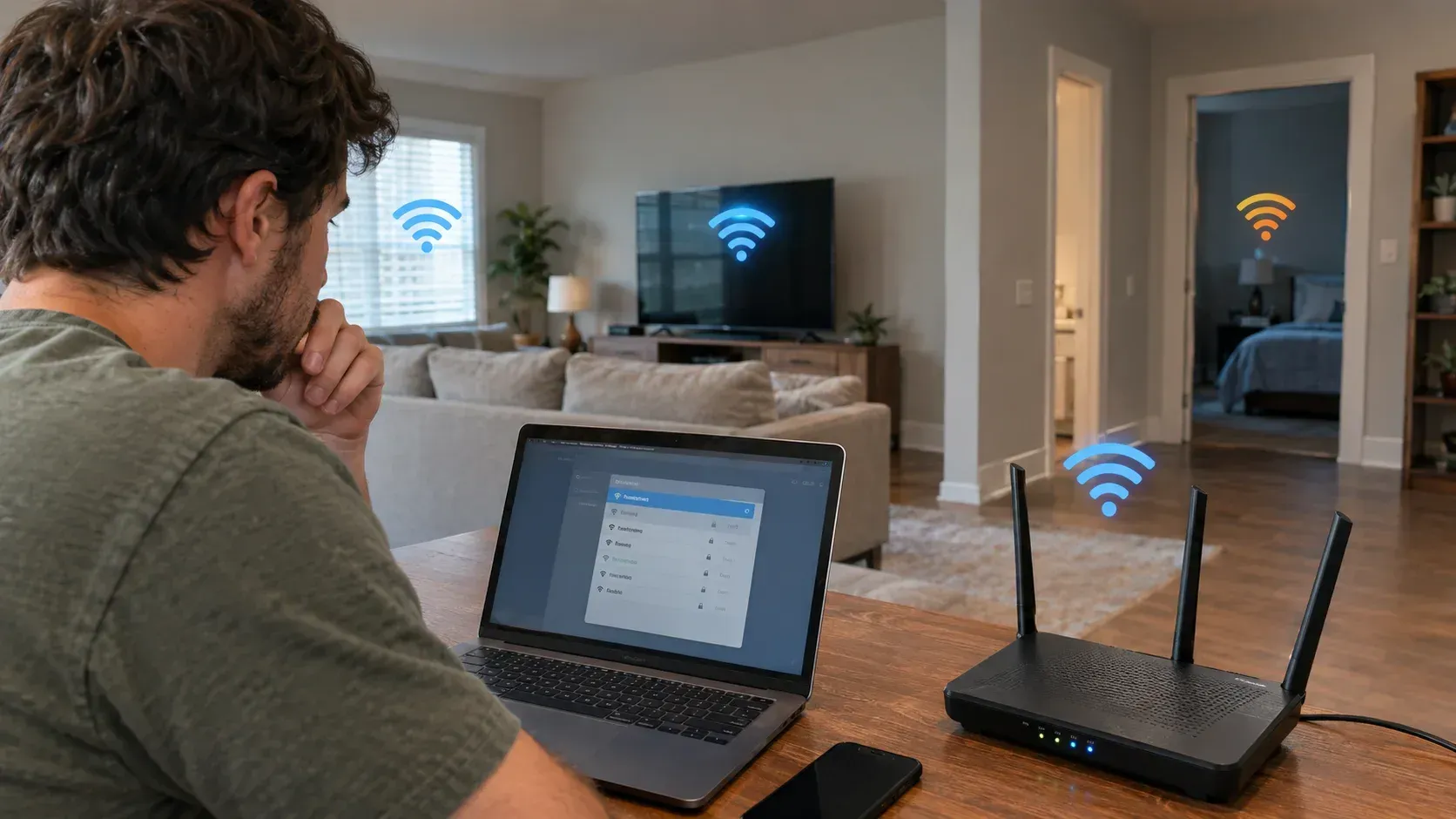
- Internet reliability, since most devices depend on a stable connection.
- Privacy preferences for indoor and outdoor cameras.
- Family routines, such as who comes and goes during the day.
- How the security setup might grow over time.
Why Does Climate Matter for Outdoor Devices?
Winter conditions can affect outdoor cameras, doorbells, and sensors. Devices designed for cold temperatures are usually better suited to local climate. This is worth discussing during planning.
How Is the System Installed?
Installation generally follows a planned sequence.
Step 1: Site Review
The installer reviews the home, identifies key entries and risk points, and discusses goals with the homeowner.
Step 2: Device Placement Plan
Devices are mapped to specific spots, considering line of sight, lighting, and signal strength.
Step 3: Setup and Configuration
Devices are mounted, connected, and added to the app or hub. Settings, names, and rules are configured.
Step 4: Walk-Through and Testing
The system is tested with the homeowner, who learns how to view feeds, manage alerts, and adjust routines.
Conclusion
Smart home security uses connected devices, apps, and rules to support awareness and protection in the home. The system is shaped by the home's layout, the household's routine, and the homeowner's preferences.
By understanding how the components fit together, homeowners can make informed choices that match their needs. The aim is steady, clear-headed planning rather than a rushed decision.
Book a Smart Security Consultation
If you would like to explore smart home security, a consultation gives you space to ask questions and review options. The aim is informed, no-pressure planning that supports clear decisions about your home and family routines.
To learn more or discuss more options, you may contact at contact@getapexsmart.com or call us at (210) 301-0032 to learn more about our services and schedule your consultation today.
Frequently Asked Questions
Do we need an internet connection for smart home security?
Most smart security systems depend on a working internet connection for remote access and alerts. Some devices have local recording or backup features, but core functions usually rely on a stable network.
Can smart security systems work in older homes?
Yes, in many cases. Wireless devices reduce the need for new wiring. Older homes may need a Wi-Fi review and careful device placement to support consistent signal strength.
Is professional monitoring required?
Not always. Some homeowners prefer self-monitoring through an app. Professional monitoring adds a structured response process, which some households find useful. The choice depends on preferences.
How do home automation security features add value?
These features link security with lighting, locks, and other devices. The home can respond to events in coordinated ways, which can support both safety awareness and daily routines.
What happens to data from smart security devices?
Data handling depends on the platform and devices used. Reviewing settings, storage options, and privacy policies during setup helps homeowners understand how their information is managed.
Related Posts