San Antonio · Texas
How Does a Smart Home Security System Work in San Antonio, Texas?
★★★★★ 5-Star Rated · Trusted in Bexar County
BBB Torch Award 2020
Licensed & Insured
In-House Team
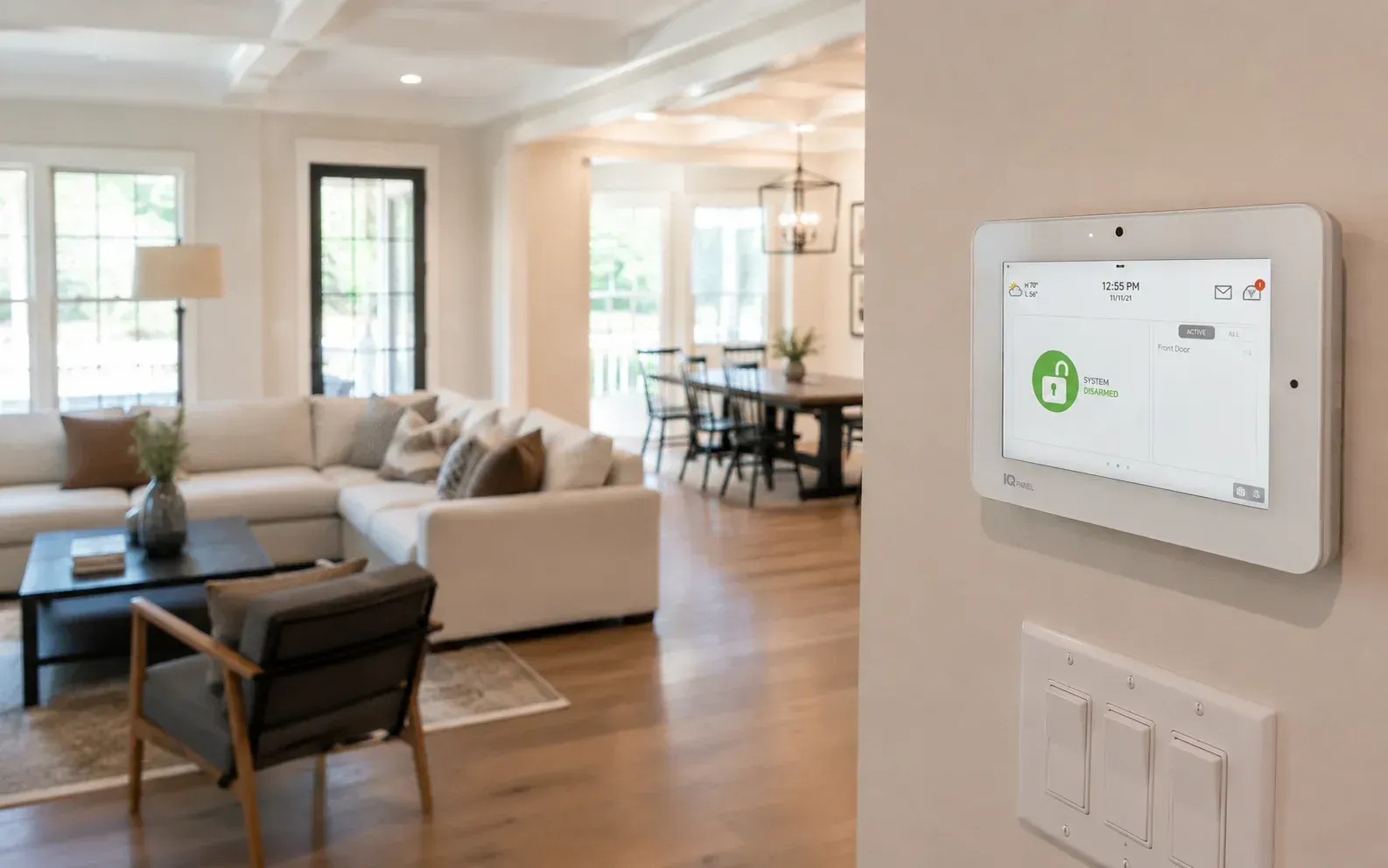
Table of Contents
- Introduction
- How a Smart Home Security System Works, in Plain Terms
- The Core Components and What Each Does
- How the Parts Communicate
- Professional Monitoring vs Self-Monitoring
- Mobile App Control and Remote Access
- Home Automation Features
- Connectivity and What Happens When It Fails
- Setup, Permits, and Local Considerations
- Limitations to Understand
- Conclusion
- Book a Discovery Call
- Frequently Asked Questions
Key Takeaways
- A smart home security system connects sensors, cameras, and alarms to a central hub, which communicates with your phone over the internet so you can monitor and control everything remotely.
- The core parts are a control hub, door and window sensors, motion detectors, cameras, and a siren, all tied together and managed through a single app.
- Monitoring can be professional (a monitoring center responds to alarms) or self-monitored (alerts come straight to you). Each has clear tradeoffs.
- Automation is what makes the system "smart." Rules like lights turning on when motion is detected let the devices act on their own.
- These systems depend on power, internet, and upkeep. Understanding those limits helps you set realistic expectations before you buy.
Introduction
A smart home security system works by linking devices like sensors, cameras, and alarms to a central hub that connects to the internet. When a sensor is triggered, the hub processes the event and sends an alert to your phone, to a monitoring center, or both, so a response can happen whether you are home or across the country.
That connected setup is what separates a smart system from an old-fashioned alarm. Instead of a siren that only works when someone is nearby to hear it, you get real-time notifications, live video, and the ability to control everything from an app. For a fuller look at what modern equipment includes, APEX outlines its security systems in more detail.
This matters for San Antonio homeowners because more households are moving away from basic alarms toward integrated systems. Knowing how the pieces fit together helps you decide what you actually need instead of paying for features you will never use.
How a Smart Home Security System Works, in Plain Terms
Think of the system as a small network with a brain. The brain is a central hub or control panel. The rest of the devices are its senses: things that watch, listen, and detect changes around your home.
When a device notices something, like a door opening or motion in the backyard, it reports back to the hub. The hub decides what to do based on how you have set it up: sound a siren, send a phone alert, start recording, or contact a monitoring center. All of this happens in seconds.
The Core Components and What Each Does
Most residential systems are built from the same set of parts.
Control Hub or Panel
This is the command center. It receives signals from every device, runs the rules you set, and connects to the internet. Some hubs have a touchscreen and a built-in cellular backup.
Entry Sensors
Small two-piece sensors mounted on doors and windows. When the two halves separate, the circuit breaks and the hub knows the entry point has opened.
Motion Detectors
These watch a room or area and trigger when they sense movement. Better models distinguish between a person and a pet to reduce false alarms.
Cameras
Indoor and outdoor cameras provide live and recorded video. They let you see what caused an alert rather than guessing.
Sirens and Alerts
An audible siren can discourage an intruder and warn people inside. Alerts also go to your phone and, on monitored systems, to a monitoring center.
Extra Sensors
Many systems add glass-break sensors, smoke and carbon monoxide detectors, water leak sensors, and smart locks, all managed from the same place.
How the Parts Communicate
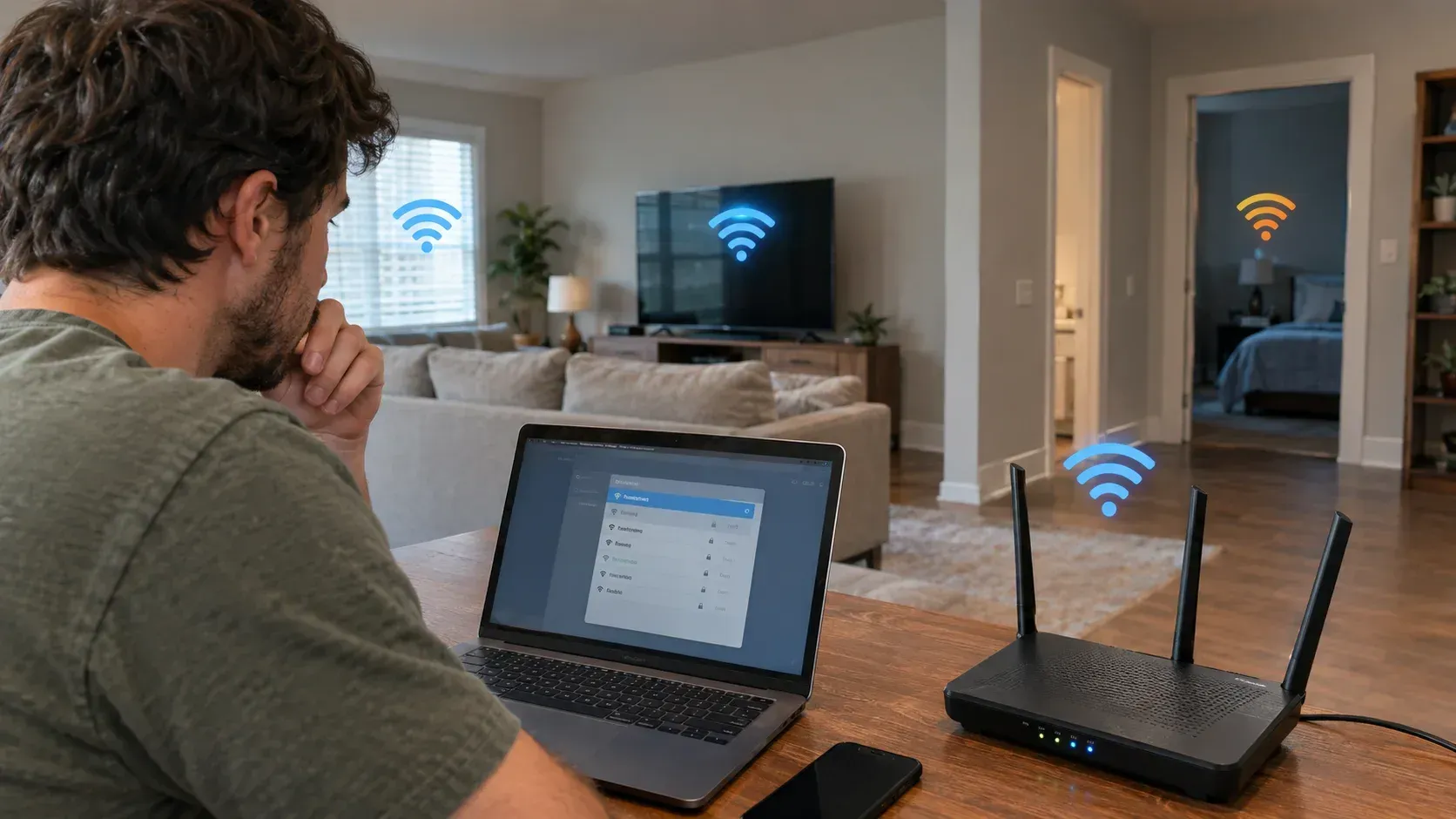
The devices talk to the hub wirelessly, usually over low-power protocols like Z-Wave or Zigbee, or over Wi-Fi. These signals are what let a battery-powered door sensor report to a hub across the house without wiring.
The hub then connects outward to the internet, typically through your home Wi-Fi or a wired connection, with many systems including a cellular backup. That outward link is what pushes alerts to your phone and to a monitoring center. This layered communication is a defining trait of home security automation, and it is worth understanding how smart home security ties these layers together before choosing equipment.
Professional Monitoring vs Self-Monitoring
How your system responds to an alarm depends on which monitoring path you choose.
Professional monitoring means a monitoring center watches your system around the clock. When an alarm triggers, trained staff assess it and can contact you or dispatch emergency services. This usually involves a monthly fee.
Self-monitoring sends alerts directly to you. You decide how to respond, whether that is checking the camera, calling a neighbor, or contacting the police yourself. There is often no monthly fee, but the responsibility is entirely yours.
Neither option is automatically better. Professional monitoring adds a response layer for people who travel or cannot always check their phone. Self-monitoring suits those who want more control and lower ongoing costs. Some systems let you switch between them.
Mobile App Control and Remote Access
The app is where you interact with the whole system. From one screen you can arm or disarm the system, view live camera feeds, check which doors are open, and see a history of events.
Good apps send push notifications with a snapshot or short clip so you can judge an alert at a glance. Many also let you grant access to family members, each with their own code, and review who armed or disarmed the system and when.
This remote access is the practical heart of a smart system. It turns security from something that only works at home into something you manage from anywhere with a signal.
Home Automation Features
Automation is what earns these systems the "smart" label. Instead of you reacting to every event, the system follows rules you set in advance.
Common examples include lights that switch on when a camera detects motion, a thermostat that adjusts when the system is armed to "away," and smart locks that lock automatically at a set time. You can also build scenes, like a single "goodnight" command that locks doors, arms sensors, and turns off lights.
These features overlap with broader smart home functions, which is why many homeowners look at modern security features as part of a wider plan rather than a standalone alarm. The goal is convenience layered on top of protection, not gadgets for their own sake.
Connectivity and What Happens When It Fails
Because these systems rely on connections, it helps to know how they hold up when something drops.
If your internet goes down, a system with cellular backup can still send alerts through the mobile network. Without that backup, remote alerts stop until service returns, though local sirens usually still work.
Power outages are similar. Many hubs and sensors include battery backup that keeps core functions running for hours. Cameras that depend on wall power or Wi-Fi may go offline. Knowing which of your devices have backup tells you what to expect during a storm, which is a real consideration in South Texas.
Setup, Permits, and Local Considerations
Systems can be professionally installed or set up as do-it-yourself kits. Professional installation handles placement, wiring, and configuration for you, while DIY kits trade convenience for lower upfront cost and a steeper learning curve.
Placement matters either way. Sensors on main entry points, cameras covering the driveway and back door, and a hub with a strong signal make a bigger difference than the number of devices.
There is also a local rule to keep in mind. San Antonio and many surrounding cities require homeowners to register monitored alarm systems, and you can read about alarm permits to see how registration works and why it matters for avoiding fees.
Limitations to Understand
A smart security system is a strong tool, but it is not foolproof. It can deter, detect, and alert, yet it cannot physically stop someone or guarantee any particular outcome.
These systems also need maintenance. Batteries in wireless sensors run down, firmware needs updates, cameras collect dust, and Wi-Fi dead zones can cause missed signals. A system that is installed and forgotten slowly becomes less reliable.
Finally, more devices mean more to manage. Adding every available sensor and camera can create alert fatigue, where you stop paying attention to notifications. A focused system you actually monitor tends to serve you better than a sprawling one you tune out.
Conclusion
A smart home security system works by connecting sensors, cameras, and alarms to a central hub that talks to your phone and, on monitored plans, to a monitoring center. The core parts detect events, the hub decides how to respond, and the app puts control in your hands from anywhere. Automation ties it together so the system can act on its own.
Understanding these pieces puts you in a better spot to choose wisely. Match the components, monitoring style, and automation to how your household actually lives, and stay realistic about the upkeep and limits involved. An informed choice, built on your own needs rather than a long feature list, is the one most likely to serve you well over time.
Book a Discovery Call
If you are thinking through your options, a short discovery call can help you sort out what fits. It is a low-pressure conversation about your home, the areas you want covered, and how the components and monitoring choices apply to your situation, with no obligation. The aim is simply to give you clear, accurate information so any decision you make is a well-informed one.
Frequently Asked Questions
What is the difference between a smart home security system and a traditional alarm?
A traditional alarm mainly sounds a siren when triggered. A smart system connects to the internet, so it also sends alerts to your phone, provides live video, allows remote control, and can automate other devices in your home.
Do smart home security systems need Wi-Fi to work?
Most rely on internet access for remote alerts and app control, usually through Wi-Fi. Many include a cellular backup so alerts still go out if Wi-Fi fails. Local functions like sirens often work even without a connection.
Is professional monitoring required for a smart security system?
No. You can self-monitor and receive alerts directly on your phone, or choose professional monitoring for a monthly fee. The right choice depends on how quickly you can respond yourself and how much ongoing cost you want.
What happens to my security system during a power outage?
Many hubs and sensors have battery backup that keeps core functions running for a period of time. Devices that depend on wall power or Wi-Fi, such as some cameras, may go offline until power and internet return.
Can I install a smart home security system myself?
Yes, many systems come as DIY kits designed for self-installation. Professional installation is also available and can help with placement, configuration, and integrating multiple devices, which some homeowners prefer for larger setups.
How many sensors and cameras does a home need?
It depends on the layout, but coverage of main entry doors, ground-floor windows, and key exterior areas like the driveway and back door is a common starting point. Thoughtful placement usually matters more than sheer quantity.
Do I need a permit for a security system in San Antonio?
San Antonio and several nearby cities require registration for monitored alarm systems. Checking your local requirements before activating monitoring helps you stay compliant and avoid possible false-alarm fees.
Related Posts