San Antonio · Texas
Why Does My Security Camera Keep Going Offline or Losing Connection?
★★★★★ 5-Star Rated · Trusted in Bexar County
BBB Torch Award 2020
Licensed & Insured
In-House Team
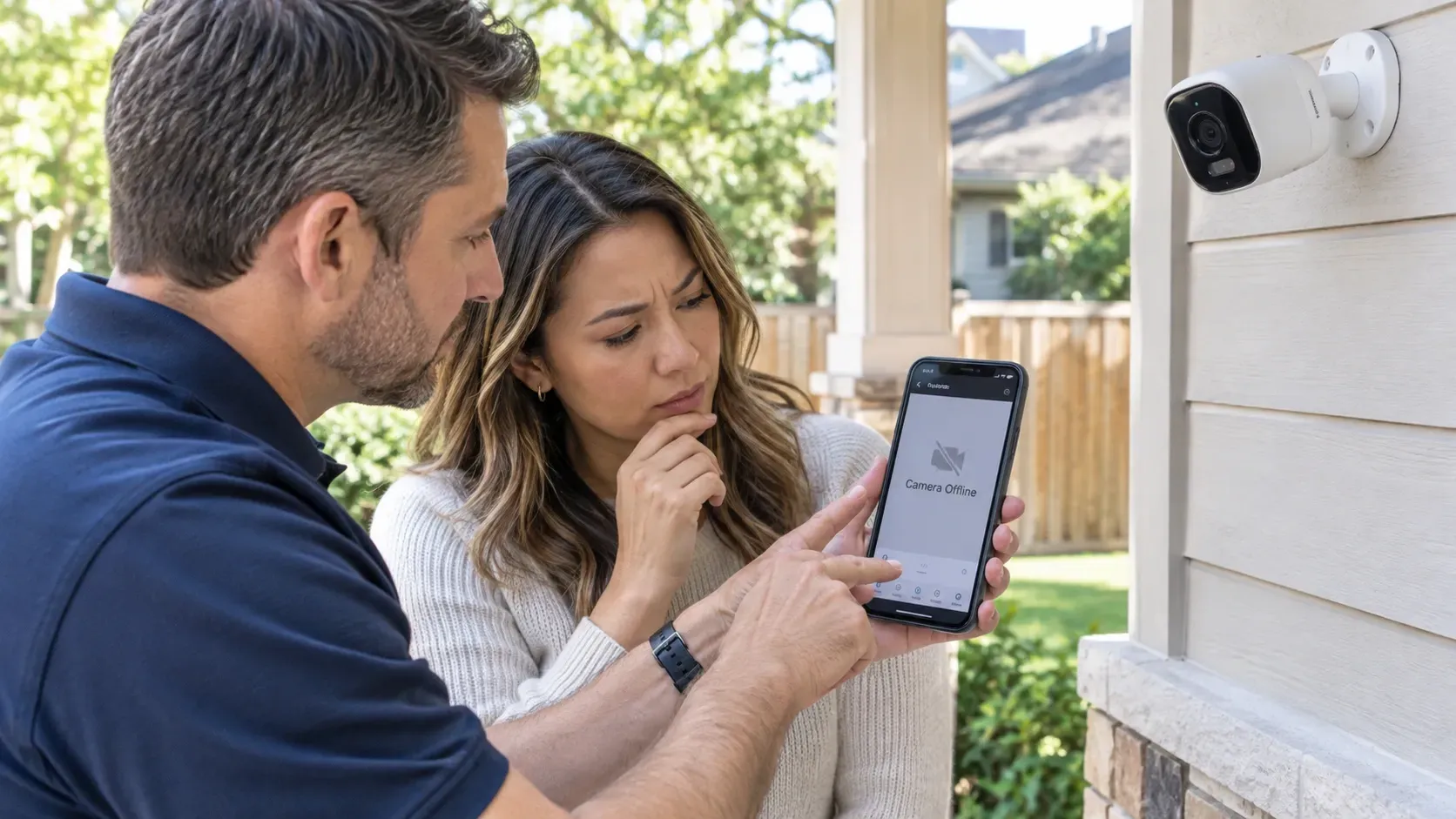
Table of Contents
- Introduction
- What a Security Camera Offline Alert Actually Means
- Why Weak WiFi at the Mount Is the Most Common Cause
- How Do I Check Signal Strength Where the Camera Is?
- When Is It the Router and Not the Camera?
- Does a Firmware or App Update Cause Cameras to Drop?
- Which Camera Fixes Are Worth Doing Yourself
- Conclusion
- Talk to a Security Technician
- Frequently Asked Questions
Key Takeaways
- "Offline" means the camera stopped checking in, which has several different causes.
- One camera down points at that camera. All of them down points upstream.
- Your phone's signal at the mount tells you almost nothing about the camera's.
- Upload bandwidth, not download, is what cameras compete for.
- A camera that has dropped for months rarely gets fixed by replacing it.
Introduction
A security camera offline alert is nearly always a network problem rather than a dead camera, usually weak WiFi where the thing is actually mounted, a router that has run out of headroom, or a firmware update that knocked the connection over, and the first useful check is the signal the camera itself reports rather than the bars on your phone, which is the same thinking behind the camera placement mistakes we see most often.
Nobody asks this question at a reasonable hour. It is always eleven at night, the app shows a grey tile where the driveway should be, and the obvious conclusion is that the camera has died. It usually has not.
What a Security Camera Offline Alert Actually Means
The app is telling you the camera stopped checking in. That is all it knows.
Cameras send a regular heartbeat to the service they report to. Miss enough of those in a row and the app flips the tile to offline. It is a silence detector, not a diagnosis, which is why the same grey tile covers a camera that lost WiFi, a camera that lost power, a router that rebooted itself, an internet outage, a cloud service hiccup and an app login that quietly expired.
So the first question is not "is the camera broken." It is
did anything else drop at the same time.
| What you see | Most likely cause | Where to look first |
|---|---|---|
| Every camera offline at once | Internet or router | Modem, router, ISP status page |
| One camera offline, the rest fine | Signal or power at that spot | That camera's mount and supply |
| Drops at the same time most days | Bandwidth contention or a scheduled reboot | Router load, any reboot schedule |
| Went offline right after an update | Firmware or app | Reconnect, then re-pair |
| Drops in heavy rain or a cold snap | Power supply or enclosure | Wiring, seals, transformer |
That table answers most of these calls before anybody gets on a ladder.
Why Weak WiFi at the Mount Is the Most Common Cause
Because the camera is in a far worse position than you are when you test it.
Here is the mistake almost everyone makes. You stand under the camera holding your phone, see a healthy set of bars, and conclude the signal is fine. Your phone has a larger antenna, more transmit power, and is sitting in open air at chest height. The camera is bolted up under a soffit, often behind a fascia board, sometimes inside a metal housing, pointed away from the house.
What sits between your router and that camera matters more than distance:
- Exterior walls, and around here that frequently means brick or stucco
- Stucco over wire lath, which is a metal mesh and genuinely hostile to a 2.4 GHz signal
- Foil-faced insulation and radiant barriers in the attic, which do to WiFi roughly what they do to heat
- Metal junction boxes and housings around the camera itself
- Low-E window coatings, which carry a thin metallic layer
Distance plus one wall is usually fine. Distance plus two walls plus a metal box is where cameras start dropping.
One more thing worth knowing: many cameras are 2.4 GHz only, and that is deliberate. The 5 GHz band is faster but travels less far and penetrates walls worse. If your router has pushed a camera onto 5 GHz, or band steering keeps bouncing it between the two, that alone can cause repeated drops. Adding a mesh node or an access point positioned to actually cover the exterior solves far more of these than swapping the camera does, which is where home networking and security stop being separate jobs.
How Do I Check Signal Strength Where the Camera Is?
Use the camera's own reading. Most apps will show you one per device.
Depending on the system it appears as a signal strength value, an RSSI number or a simple bars indicator, listed under that camera's settings or device info. That figure is the one that matters, because it is measured at the camera, by the camera, through whatever is in the way.
Three things to do with it:
- Compare cameras against each other. The one going offline is usually also the weakest. If it is not, stop looking at WiFi and start looking at power.
- Watch it across a full day. Signal that reads fine at midday and poor at night usually means interference rather than distance, because surrounding networks get busy in the evening. Something physical can also move into the path, a gate, a vehicle, a delivery van that parks in the same spot.
- Write the pattern down before anyone changes anything. "It drops most evenings around seven" is the single most useful sentence you can hand a technician, and it is worth more than any amount of guesswork on the phone.
The reason this matters is that signal problems and bandwidth problems look identical in the app and have completely different fixes. The same confusion sits behind most cases of WiFi dead spots inside the house.
When Is It the Router and Not the Camera?
When more than one thing is unhappy, and especially when the timing is suspicious.
Signs pointing upstream:
- All the cameras go down together, which no single mount can cause
- Other devices misbehave too, buffering, dropouts, slow app response
- It correlates with someone streaming, gaming or uploading
- The router is old, or is the basic unit the ISP supplied with the service
Two causes get missed constantly.
Device count. Every camera holds a persistent connection, not an occasional one. A house running a doorbell, four cameras, two televisions, phones, tablets, speakers, a thermostat and a printer is asking a lot of a basic router, and the failure mode is not a clean error message. It is devices dropping off one at a time.
Upload bandwidth, not download. This is the one people never think of. Cameras push video outward. Most residential internet is asymmetric, with far less upload capacity than download, so a plan that streams films beautifully can still choke when several cameras try to send footage at once. If your cameras drop specifically when something else is uploading, a backup running, a video call, a game console syncing, that is your answer.
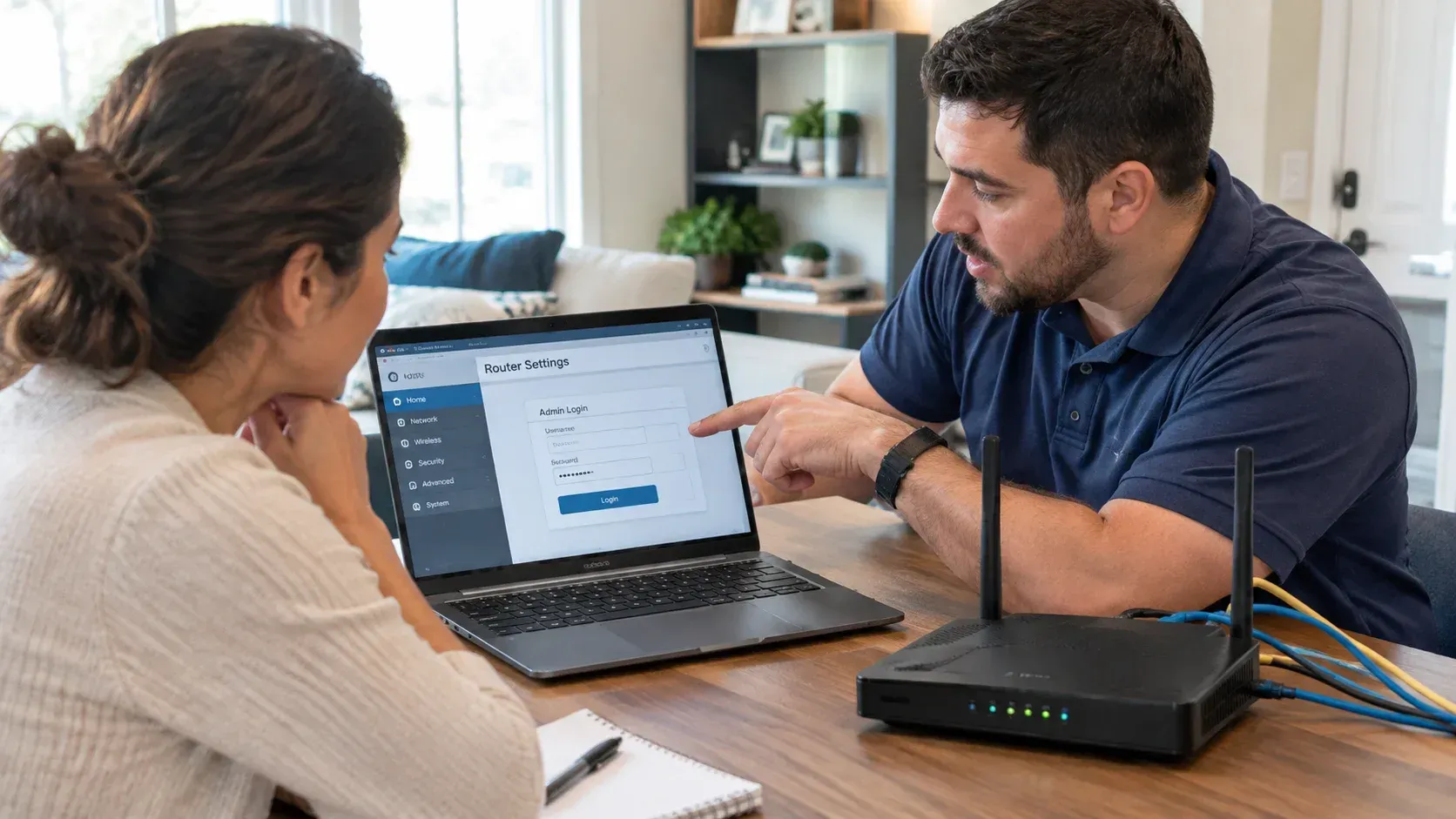
There is also a quieter one. If the router hands out a new address to the camera on a different lease and something loses track of it, the camera is online in every meaningful sense and still shows offline in the app. A fixed reservation settles it permanently.
Does a Firmware or App Update Cause Cameras to Drop?
Yes, often enough that it is worth checking before anything drastic.
Firmware usually arrives overnight. The camera reboots to apply it, then tries to rejoin the network, and if the signal there was already marginal it may not manage it. Worth being precise about what happened: the update did not break the camera, it exposed a connection that was barely holding on. That is why the fix is rarely "roll back the firmware" and usually "improve the signal."
Other update-shaped causes:
- App updates can invalidate your login session, so the camera is fine and the app simply is not showing it. Sign out and back in before assuming anything.
- Router firmware updates sometimes change band steering behaviour or tighten security settings, and an older camera that only speaks the previous WPA standard can be stranded by that overnight.
- Password changes. Obvious in hindsight, invisible at the time, and it only shows up when a device next tries to reconnect, which can be days later.
The order to try: check the app version, sign out and back in, then power-cycle the camera, then the router. Give each one a minute before deciding it did not work.
Which Camera Fixes Are Worth Doing Yourself
Plenty of it is genuinely a five-minute job. Some of it is not.
Worth doing yourself:
- Power-cycle the camera, then the router, waiting properly between the two
- Look up the signal strength the app reports for that specific camera
- Confirm the power source, and for a doorbell, check the transformer and chime
- Sign out of the app and back in
- Work out whether the WiFi password, router or band settings changed recently
- Cut down what else is uploading and see whether the drops stop
Worth calling somebody for:
- Signal is weak and the camera cannot be moved
- The answer involves running cable or adding an access point
- It is a PoE camera or part of a DVR or NVR system
- It is tied into a monitored alarm, where changes can affect monitoring
- Anything that means opening the alarm panel
And the honest one. If a camera has been dropping on and off for months, replacing it almost never fixes it, because the camera was not the problem. We have swapped hardware for people who had already bought a second camera themselves, and watched the new one drop in exactly the same way the following week. Fix the path, not the device at the end of it. The same logic runs through which camera features are actually worth paying for.
Conclusion
Next time a tile goes grey, check whether the others went with it, then look up what signal that camera reports rather than what your phone says. Those two checks sort the great majority of these into the right pile before anyone climbs anything. A security camera offline for one night is a nuisance. A camera that has been dropping for six months is a network that needs fixing, and no amount of new hardware at the far end is going to do it.
Talk to a Security Technician
If a camera keeps dropping, we can come and find out why rather than guess at it. Our technicians run a full diagnostic on existing equipment, and we service systems we did not install, including Qolsys, Nortek 2GIG, Honeywell, Napco, DSC, Radionics and ADT. APEX Smart Home has protected San Antonio homes since 2014, we are licensed and insured under License #B04130001, and we won the BBB Torch Award for Ethics in 2020. If you are not happy with our work, we will fix it. We cover San Antonio, Austin, Boerne, Buda, Cibolo, Houston, San Marcos, Schertz, Universal City and Von Ormy. Ask about
video surveillance on (210) 301-0032, email contact@getapexsmart.com, or
book a visit.
Frequently Asked Questions
Why does my security camera keep going offline?
Usually weak WiFi at the camera's mounted location, a router short on capacity or upload bandwidth, or a firmware update that dropped the connection. A failed camera is possible but far less common than any of those three.
Does one camera offline mean something different from all of them offline?
Yes, and it is the most useful early clue. One camera down points at signal or power at that specific spot. All of them down at once points upstream at the router, the internet connection or the service itself.
Why does my camera show good WiFi on my phone but still drop?
Your phone has a bigger antenna, more power and clear air around it. The camera is often behind stucco, a fascia board or a metal housing. Check the signal strength the camera itself reports in the app instead.
Can too many devices cause cameras to go offline?
Yes. Cameras hold persistent connections and upload video continuously, and most home internet has far less upload capacity than download. Several cameras plus a backup or a video call can saturate it and knock devices off.
Should I replace a camera that keeps disconnecting?
Usually not. If it has dropped repeatedly over months, the cause is almost always the network path rather than the hardware, and a new camera in the same position tends to behave exactly the same way.
Related Posts